Run Flower Apps on SuperGrid
To run a Flower App on SuperGrid, you need a federation. The federation can be a Simulation federation or a Deployment federation. For Deployment federations, connected SuperNodes must also be added to the federation. If you still need to create a federation, see Create and Manage Federations on SuperGrid. If you need to register and connect SuperNodes first, see Connect SuperNodes to SuperGrid.
This guide shows two ways to run a Flower App on SuperGrid: directly from Flower Hub, and from a Flower App project on your machine. It uses the @flwrlabs/demo app as an example, but the same workflow applies to other Flower Apps, whether or not they are listed on Flower Hub.
The sections below show the SuperGrid UI workflow. At the end of this page, the same steps are shown in compact form with the Flower CLI.
Run Flower Apps from Flower Hub
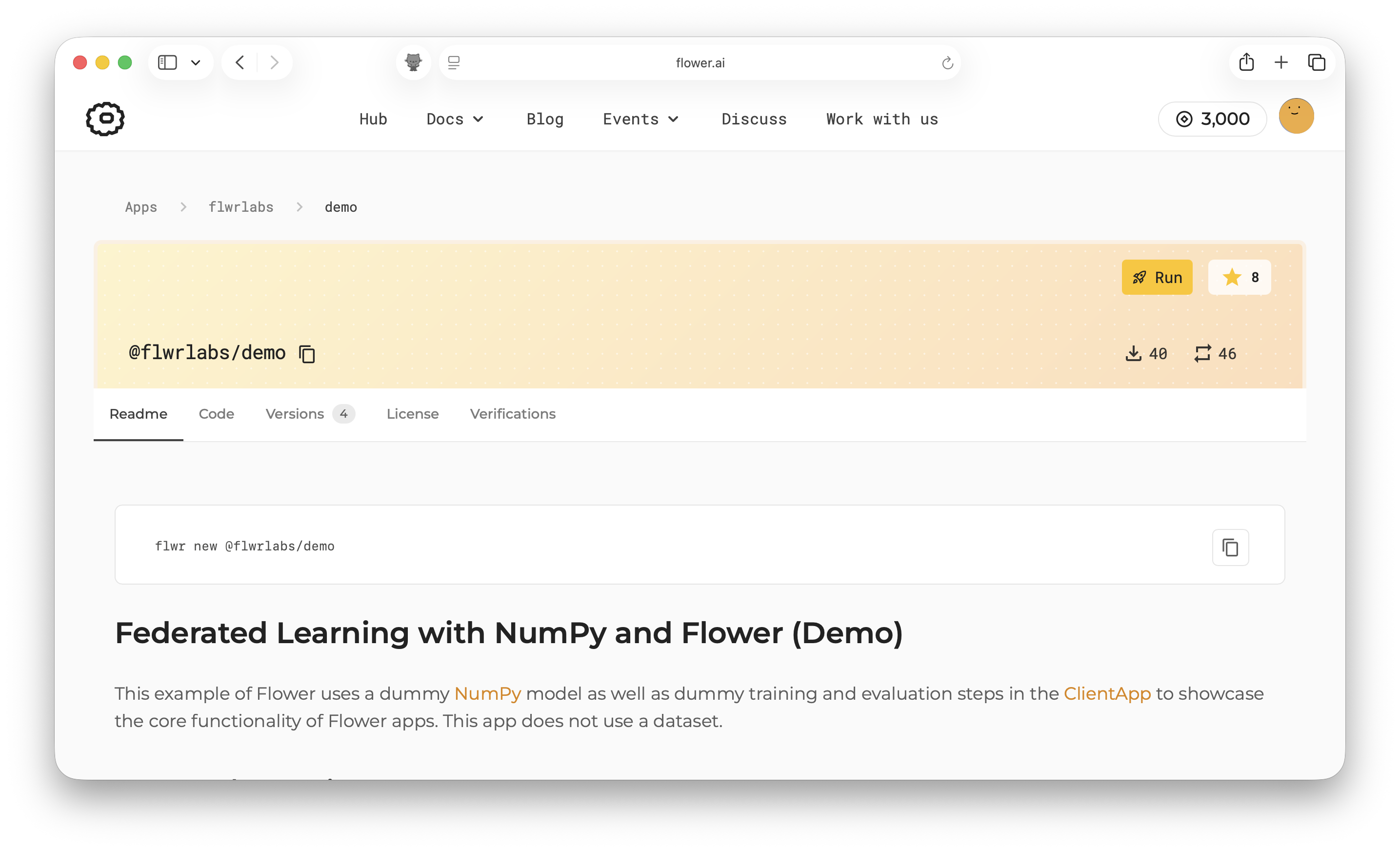
Running directly from Flower Hub is the quickest way to get started. Open an app page,
for example @flwrlabs/demo, and click
Run.
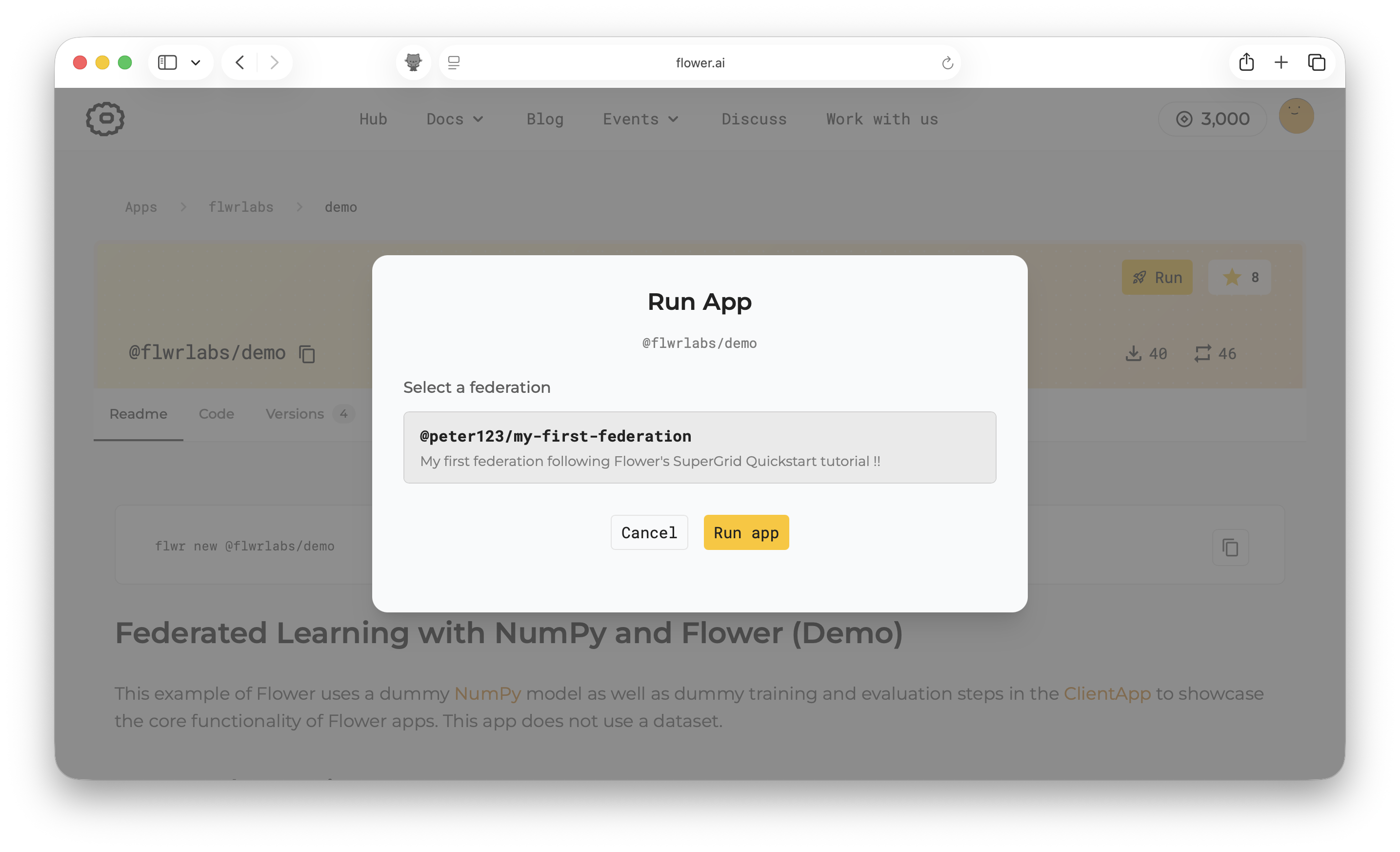
Select the federation to run the app on, then click Run app.
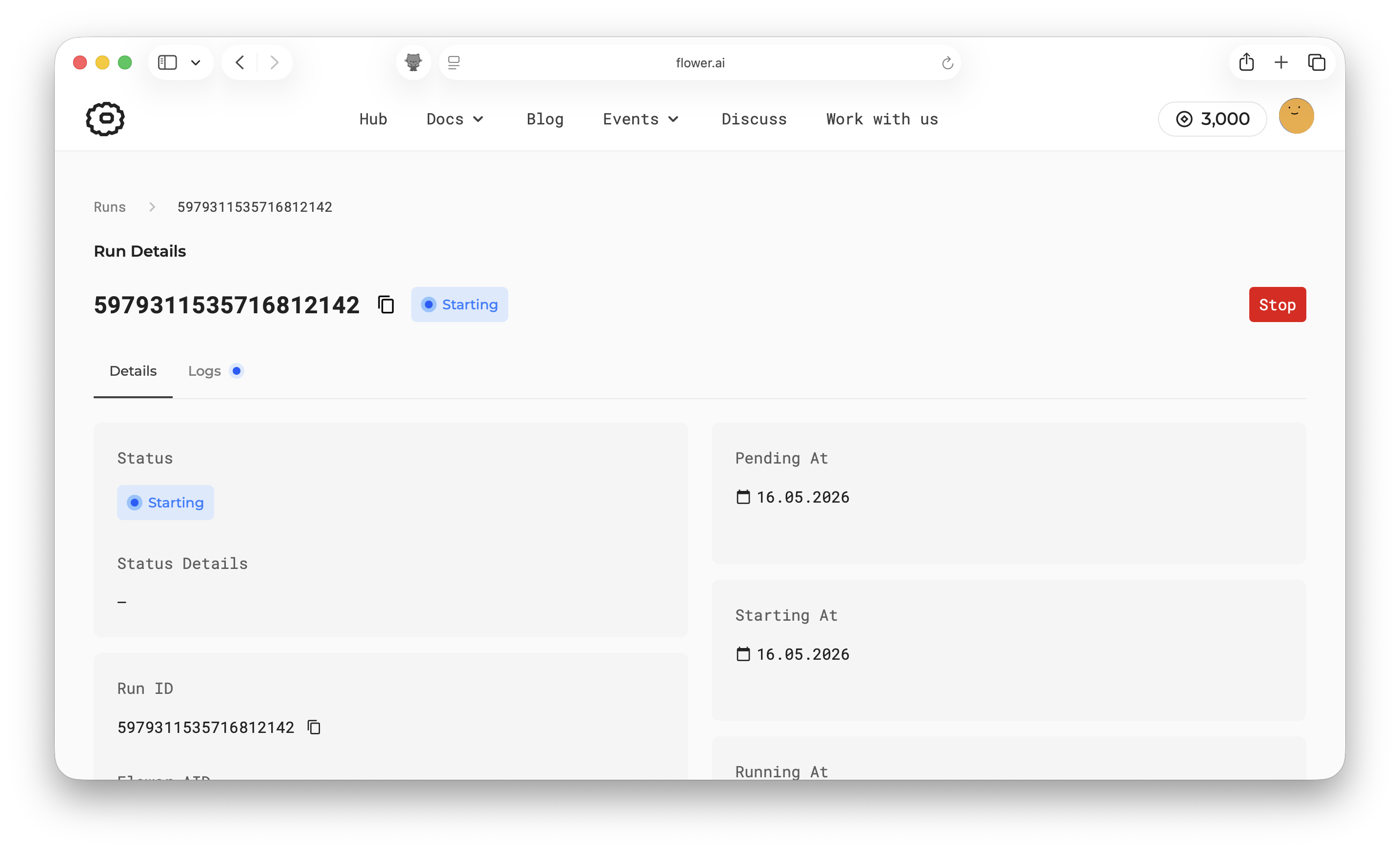
After the run starts, open the federation in the SuperGrid dashboard to inspect the run status.
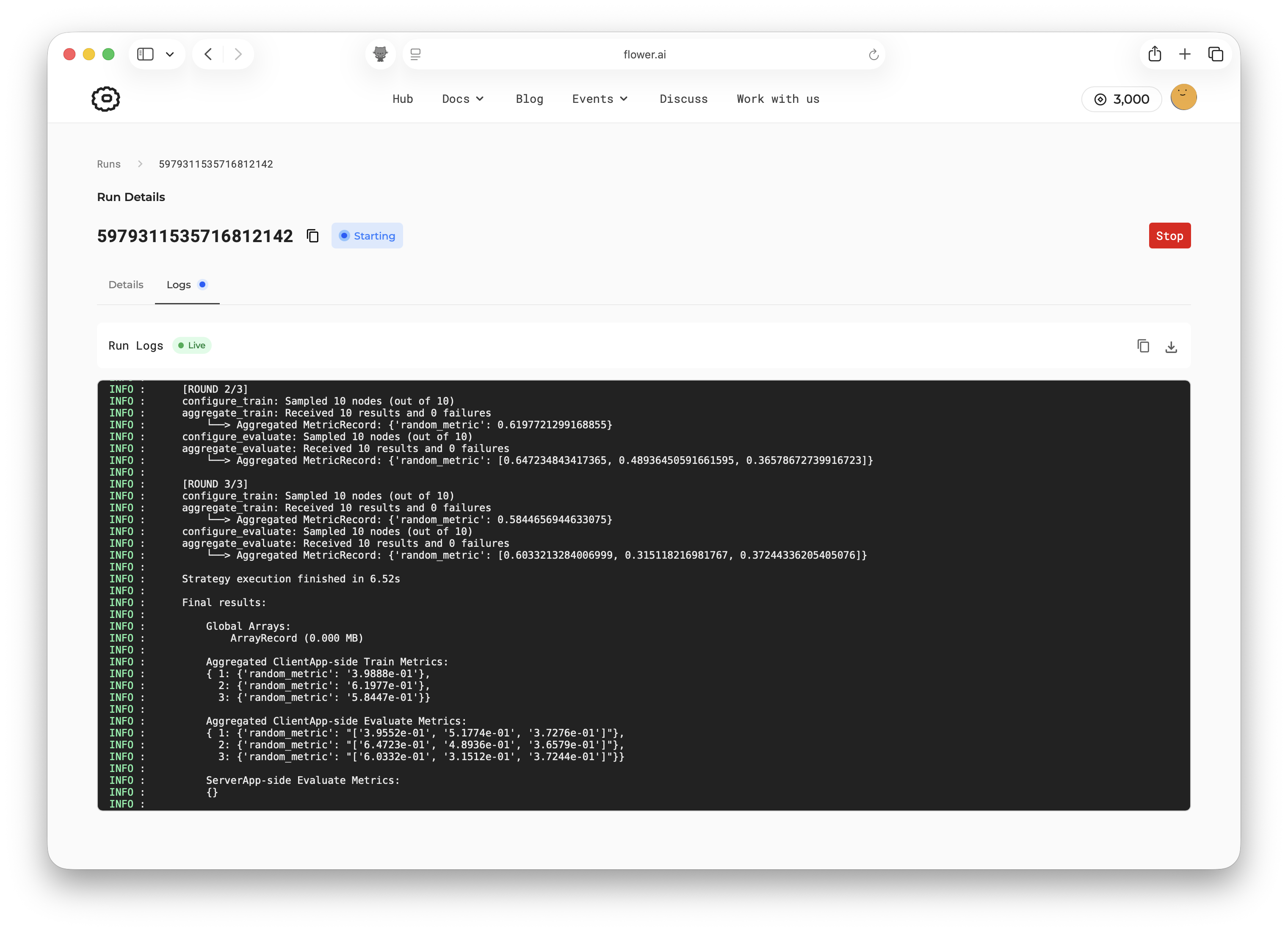
Open the Logs tab to inspect the app logs.
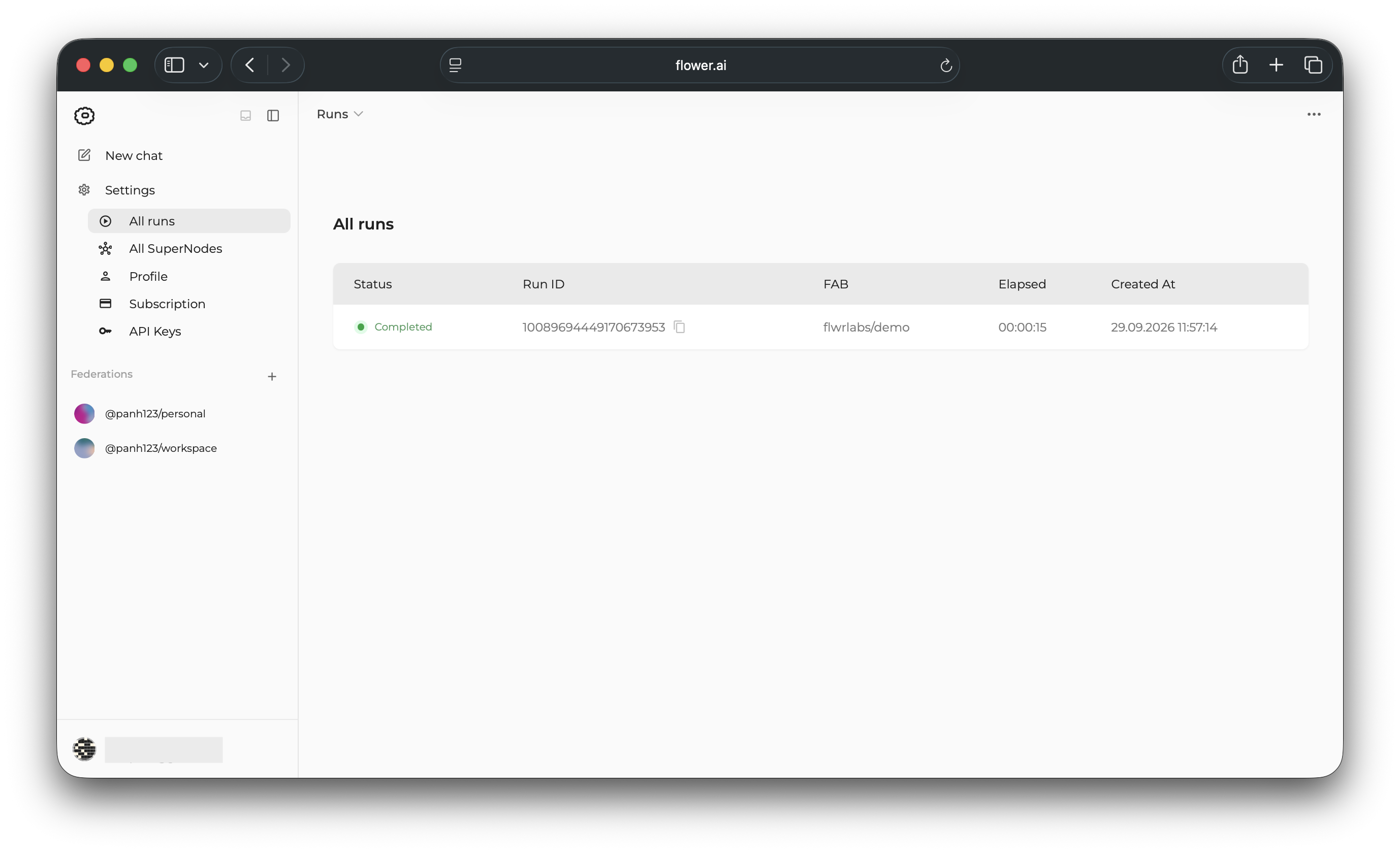
If you visit the All runs page, the run appears in the list of your runs.
Run Flower apps from your machine
You can also run a Flower App on SuperGrid from your local machine. Use this workflow when you want to inspect or modify an app before submitting it to SuperGrid, or when you are developing a Flower App locally and do not want to list it on Flower Hub.
This section assumes you have a Python environment set up. Install Flower with pip:
$ pip install -U flwr
Pull the app locally with flwr new:
$ flwr new @flwrlabs/demo
$ cd demo
Then, log in to SuperGrid with flwr login. This opens a browser window where you can
authenticate with your SuperGrid account. Finally, run the app with flwr run and use
--federation to choose the target federation:
참고
Replace @<username>/<federation-name> with your federation ID, for example
@peter123/my-federation.
# This opens a browser window where you can log in to SuperGrid.
$ flwr login supergrid

$ flwr run . --federation @<username>/<federation-name>
🎊 Successfully started run 1859953118041441032 in federation @<username>/<federation-name>
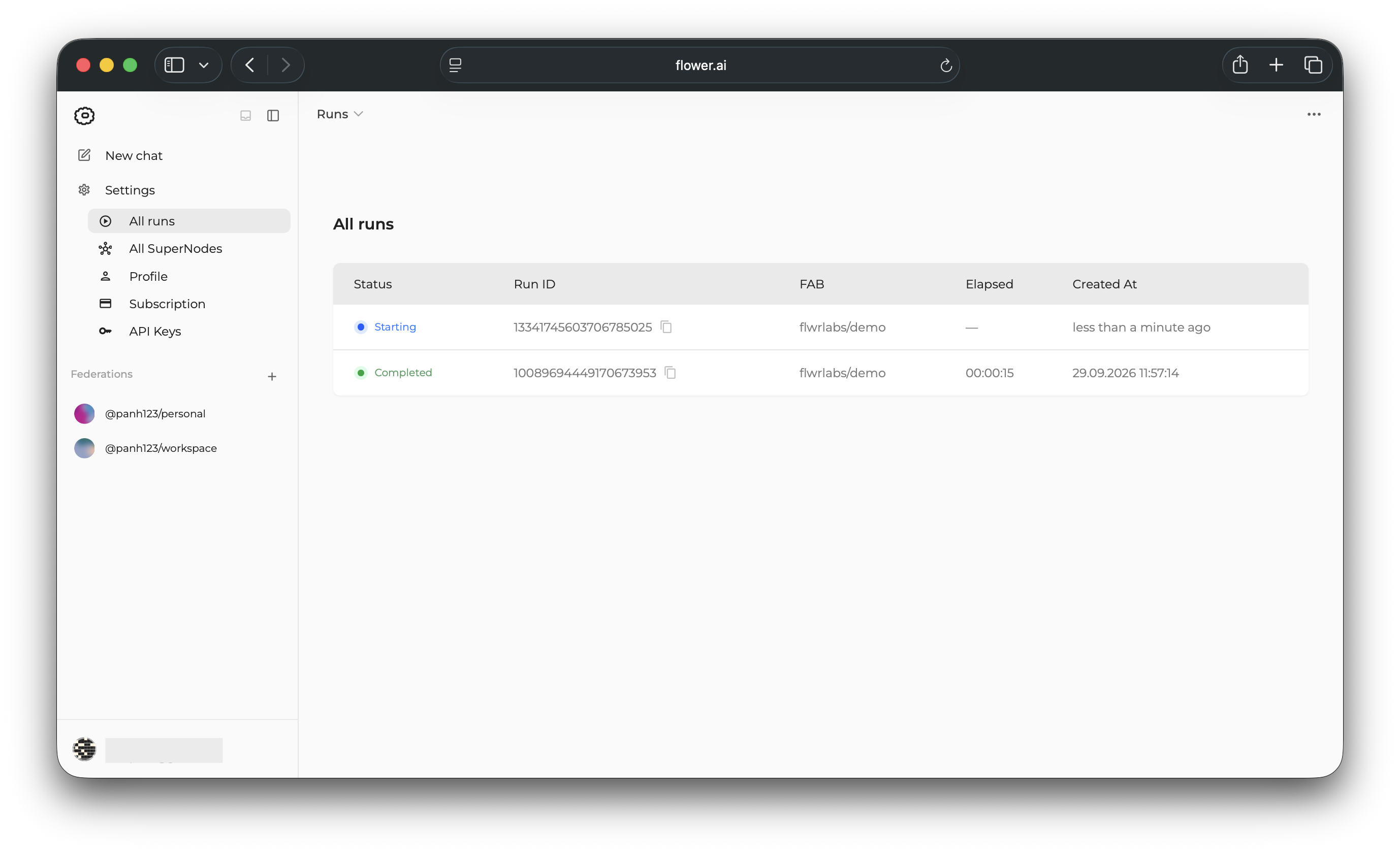
The run appears on the All runs page.
Customize the run configuration
Flower Apps can define default runtime settings in the [tool.flwr.app.config]
section of their pyproject.toml. The demo app used in this guide defines
num-server-rounds to control how many rounds its ServerApp runs:
[tool.flwr.app.config]
num-server-rounds = 3
Apps can define additional settings in this section and read them from the app code, for example learning rates, model sizes, batch sizes, or dataset-specific options.
You can override app-defined values for a single run with the --run-config flag. The
following command runs demo on SuperGrid with num-server-rounds set to 5:
$ flwr run . supergrid --federation @<username>/<federation-name> \
    --run-config "num-server-rounds=5"
참고
For more details on Flower App configuration in pyproject.toml, see
Configure pyproject.toml.
Advanced
Everything shown above in the SuperGrid UI can also be done with the Flower CLI.
Log in to SuperGrid:
$ flwr login supergrid
Run an app directly from Flower Hub:
$ flwr run @flwrlabs/demo supergrid \
    --federation @<username>/<federation-name> \
    --stream
Inspect runs and logs from the terminal:
# List all your runs (across federations)
$ flwr list supergrid
# Show additional details of a run
$ flwr list --run-id <run-id> supergrid
# Show federation details (including runs) for a specific federation
$ flwr federation list supergrid --federation @<username>/<federation-name>
# Show logs of a run
$ flwr log <run-id> supergrid